 FormBuilder
Build forms that feel like magic.
A focused workspace for creating beautiful public forms, collecting responses, and understanding data — all without the clutter of a heavy admin panel.
Built for focus
Everything you need.
Nothing you don't.
Three focused tools. Infinite possibilities.
Fast, intuitive form builder.
Compose clean forms with field controls, choice options, drafts, and publishing in one focused workspace.
- Drag-and-drop ordering
- 7+ field types
- Auto-save drafts
Live analytics & reporting.
Track responses and understand completion rates at a glance—without leaving the dashboard.
- Real-time tracking
- Visual charts
- Submission views
Seamless public sharing.
Publish to a public gallery or send a secure link. One click, instantly live.
- One-click publish
- Password lock
- Gallery listing
Built-in AI assistant.
Describe what you need. The AI generates your form structure instantly — no config required.
- Natural language input
- Auto field types
- Instant preview
Don't start from scratch.
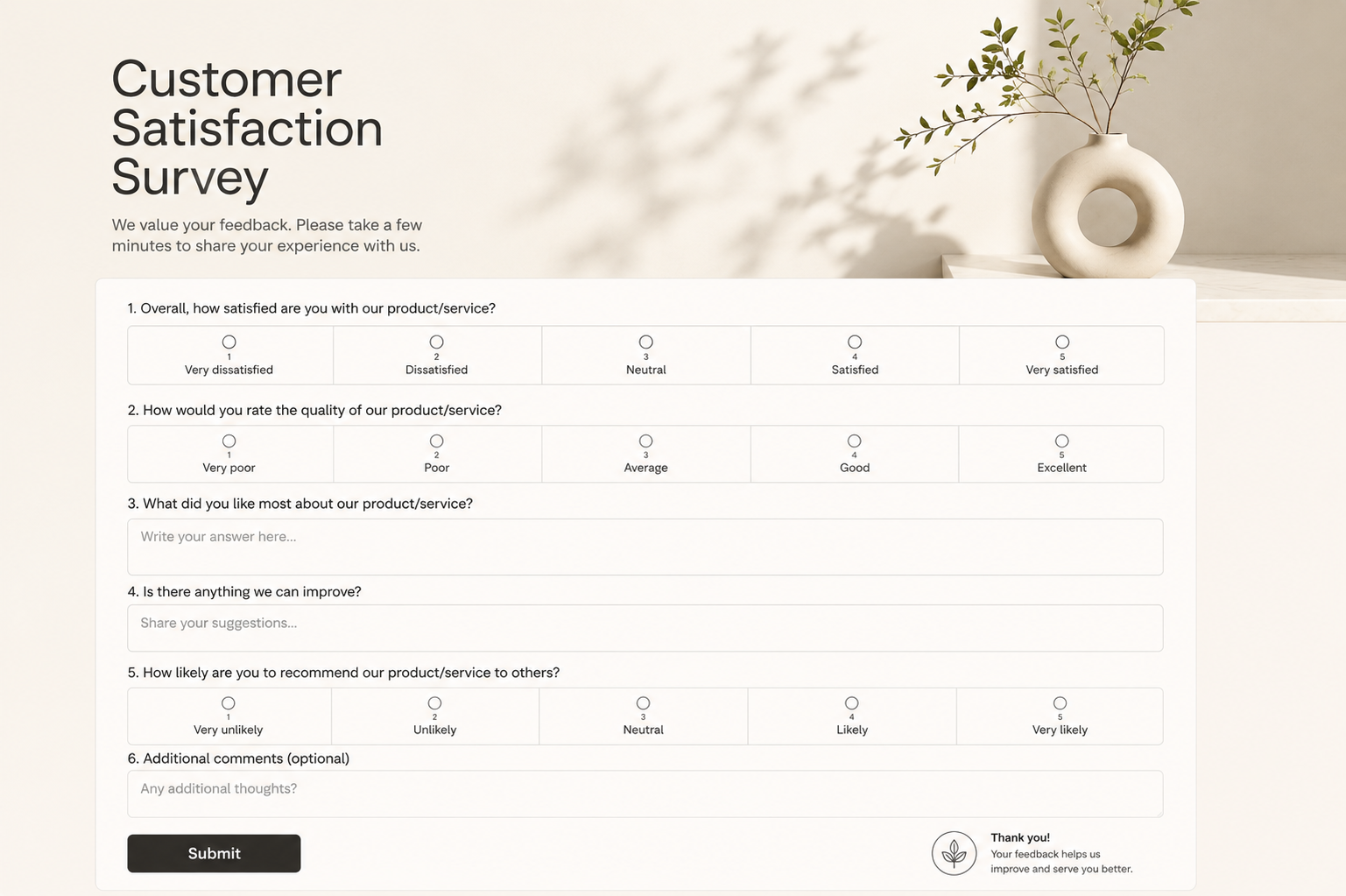
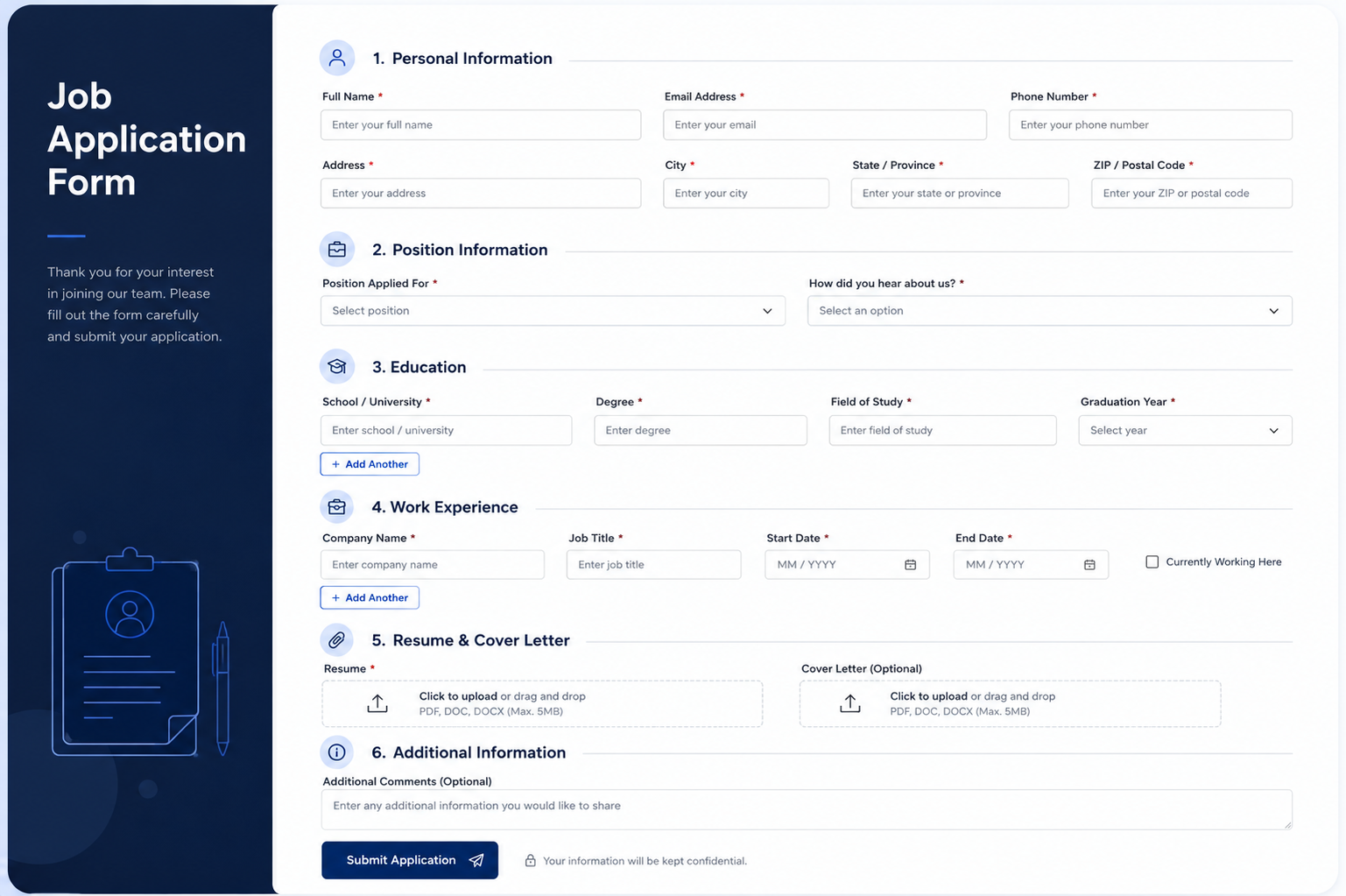
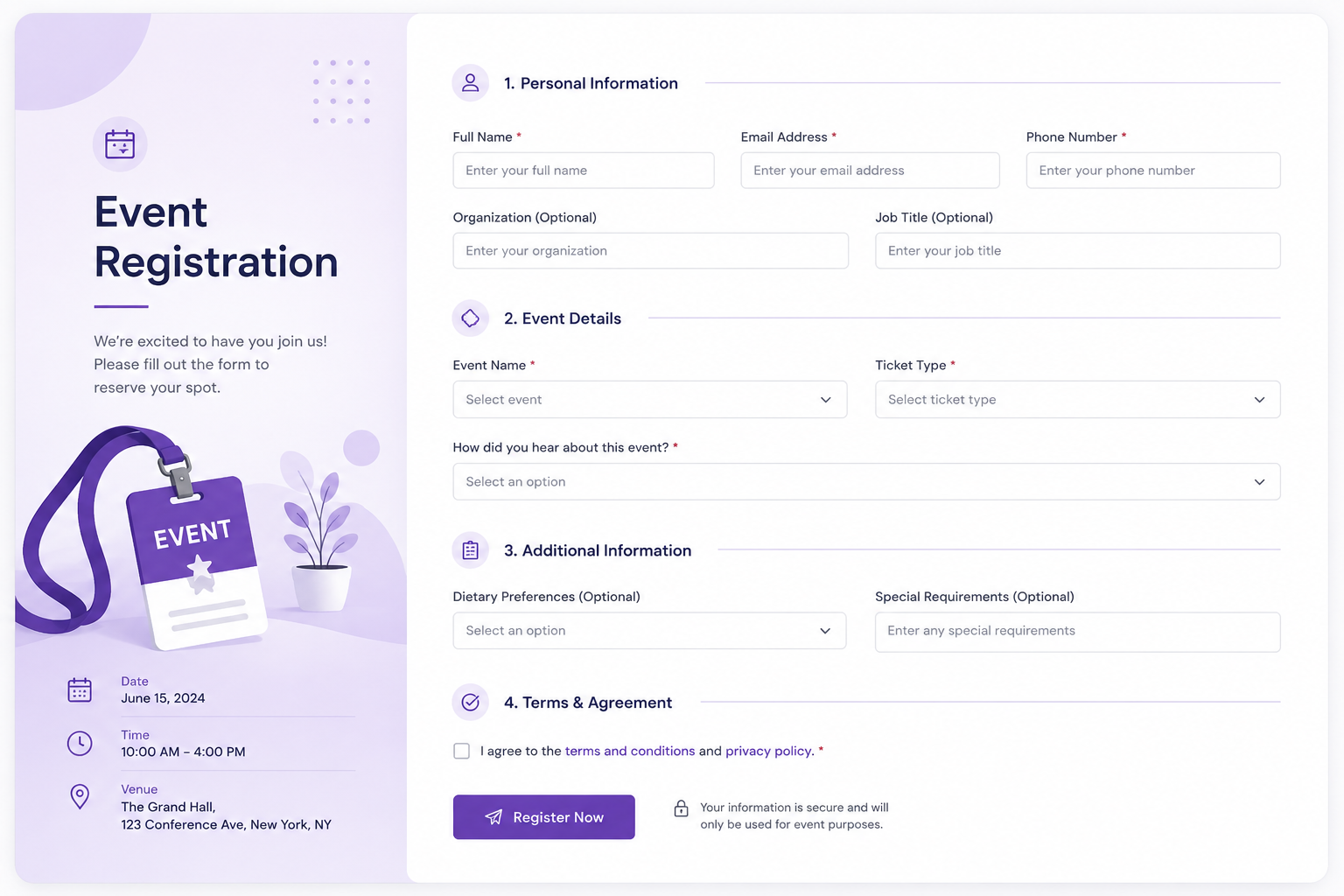
Choose from dozens of beautiful, pre-built templates and themes designed for conversion.
Common questions.
Can people answer forms without an account?+
Yes. Published public forms can be opened from the forms gallery and submitted without signing in.
Can I keep a form as a draft?+
Yes. Save as draft while editing, then publish when the form is ready for responses.
Where do responses appear?+
Responses appear in the analytics area for each form, with totals and individual answer rows.
Can I edit fields after creating a form?+
Yes. You can edit labels, types, options, required state, and ordering in the editor.
Answer forms from the community.
Published forms show up in one clean place, ready for visitors to open and submit without needing an account.
Explore Forms